


**Start free, verified access →
A secure lawyer-client case workspace is not a “nice to have” in 2026; it is part of your duty to the client and the court. If you advise even one client a week, you need a secure lawyer-client case workspace that proves confidentiality, controls who sees what, and records your diligence.
Here is the short answer you can act on today: pick a portal that (1) encrypts data at rest and in transit, (2) enforces tight access controls like role-based permissions and two-factor authentication, and (3) helps you demonstrate compliance with Indian law and BCI ethics. Everything else, chat bells, flashy dashboards, comes later.
As a senior who still drafts at 6 a.m. before district court call-outs, I’ll keep this practical. You already juggle cause lists, filing counters, and clients who share “final” documents on WhatsApp at midnight.
The right portal should lower that noise, not add to it. It should work on a ₹12,000 Android phone on 4G, log every exchange with timestamps you can rely on, and make fee collection less awkward, not more. We will compare tools fairly, look at pitfalls seen across chambers, and finish with a 5-day plan you can start on Monday.

What Makes a Client Portal Truly Secure for Legal Practice in India
Security, for an Indian advocate, rests on three pillars. First, encryption: your portal must encrypt data in transit (TLS 1.2+ between device and server) and at rest on its servers. Put simply, if someone intercepts traffic or steals a disk image, they should see nonsense, not your client’s affidavit.
Second, access control: you need role-based permissions so juniors, clerks, and clients only see what they must. In addition, turn on two-factor authentication (2FA) for every user. A misplaced password should not open your files. Moreover, a secure portal must let you revoke access the minute a brief ends or a junior moves on.
Third, regulatory alignment: your tool should make it easier to honour the Information Technology Act, 2000, confidentiality under the Indian Evidence Act, and the Bar Council of India Rules on professional ethics. For the statute text, see the Information Technology Act, 2000 (Government of India). You also need an audit trail that records who viewed, downloaded, or edited which document and when. That log supports your diligence if there is a dispute.
Consider a scene you have lived: you email a sensitive affidavit draft to the client. They forward it to a cousin “for English check.” That cousin replies-all with comments, and the draft leaks to the other side. Email and WhatsApp lack access expiry, cannot stop forwarding, do not show document versions, and offer no compliance trail. On the other hand, a portal with a secure 1‑on‑1 workspace for document exchange and communication lets you share a link with expiry, restrict downloads, and keep edits in one versioned file.
- The three pillars to check:
- Encryption: at rest + in transit
- Access control: roles + 2FA + revocation
- Compliance: audit trail + retention + privilege support
“Confidentiality is not an IT feature; it is your professional duty. Use tools that help you prove you met it.” — Advice I give every new junior
Also Read!
Best Secure Lawyer-Client Portal for Advocates in 2026
How to Use AI for Legal Document Review as an NRI with Property or Cases in India
Step-by-Step: How to Evaluate and Set Up a Secure Client Portal
Start small, move fast, and keep receipts. Here is a 7‑step framework you can finish this week.
1.
List every channel you use with your five most active clients: email, WhatsApp, courier, pen drive, and in-person handover. Note what moves on each channel: drafts, final filings, evidence photos, voice notes, fee updates. This map shows where risk and chaos live.
2.
Write three lines: “Encryption E2E or TLS+at rest”, “India‑based data residency or clear legal basis”, and “Mobile access must work on low‑cost Android + 4G.” Many advocates run entire weeks from district court corridors. If it does not load fast on a phone, skip it.
3.
Open the portal’s user settings. Can you make a client see only their case? Can you add a junior with “view” on one folder but “edit” on another? Can you revoke all access at matter close? If “no” to any, you’ll end up back on WhatsApp.
4.
Upload a PDF, a DOCX, and a scanned image. Check version history: can you restore “Draft v2” after a client overwrote “Final”? Look for upload limits (aim for 50–100 MB per file at minimum) and OCR for scanned pages. Courts still love PDFs; your portal must love them too.
5.
Send a message from the matter channel. Do you get a push notification and an email alert? Are messages timestamped and tied to the case record? Those logs can back you in a “you never told me” moment. Bonus if the portal structures case mandates by jurisdiction, issues, budget, and documents so the thread starts neat, not noisy.
6.
Check if the portal can record fee terms, raise invoices, and hold funds in a secured escrow payment system with a regulatory cooldown before release. That reduces disputes and awkward calls. A transparent ledger you can export is gold at tax time.
7.
Pick a low‑risk, active matter. Upload the last two filings, share a link with expiry, send one update, and collect a small agreed fee. Note friction points: did the client log in without guidance? Did uploads work on 4G? Fix or switch based on this trial.

Furthermore, document your pilot in a one‑page note: what worked, what broke, and what to change. Then decide whether to roll out to two more matters next week. Keep momentum; do not stall in tool demos.
**Start a free secure pilot today →
5 Mistakes Advocates Make When Adopting Digital Client Portals
Mistake 1: Treating WhatsApp groups as “good enough”
Group chats cannot revoke access, cannot stop screenshots, and cannot preserve privilege. Courts care about control. You need expiry, permissions, and versioning to show you guarded client confidences.
Mistake 2: Picking a foreign‑first portal with no India fit
Tools built for US/UK firms may have fine encryption but weak India data residency choices and no awareness of BCI ethics rules. Therefore, ask vendors plain questions: “Where is my data stored?”, “How do you help me meet my BCI duty of confidentiality?”, “Can I export a full audit log?
Mobile and Onboarding Pitfalls
Mistake 3: Ignoring mobile‑first reality
Per widely cited industry estimates, 68% of Indian internet users are mobile‑primary. If your portal fails on a ₹12,000 Android handset on 4G outside a district court, it will be ignored by clients and juniors. Test on the weakest device you can borrow.
Mistake 4: Not setting client expectations
Many advocates sign up, then forget onboarding. As a result, the client calls, emails, and pings on WhatsApp, and you’re back to fragments. Send a 2‑minute Loom or WhatsApp video walking through login, uploads, and where to expect updates. Schedule five minutes on the next call to practice it together.
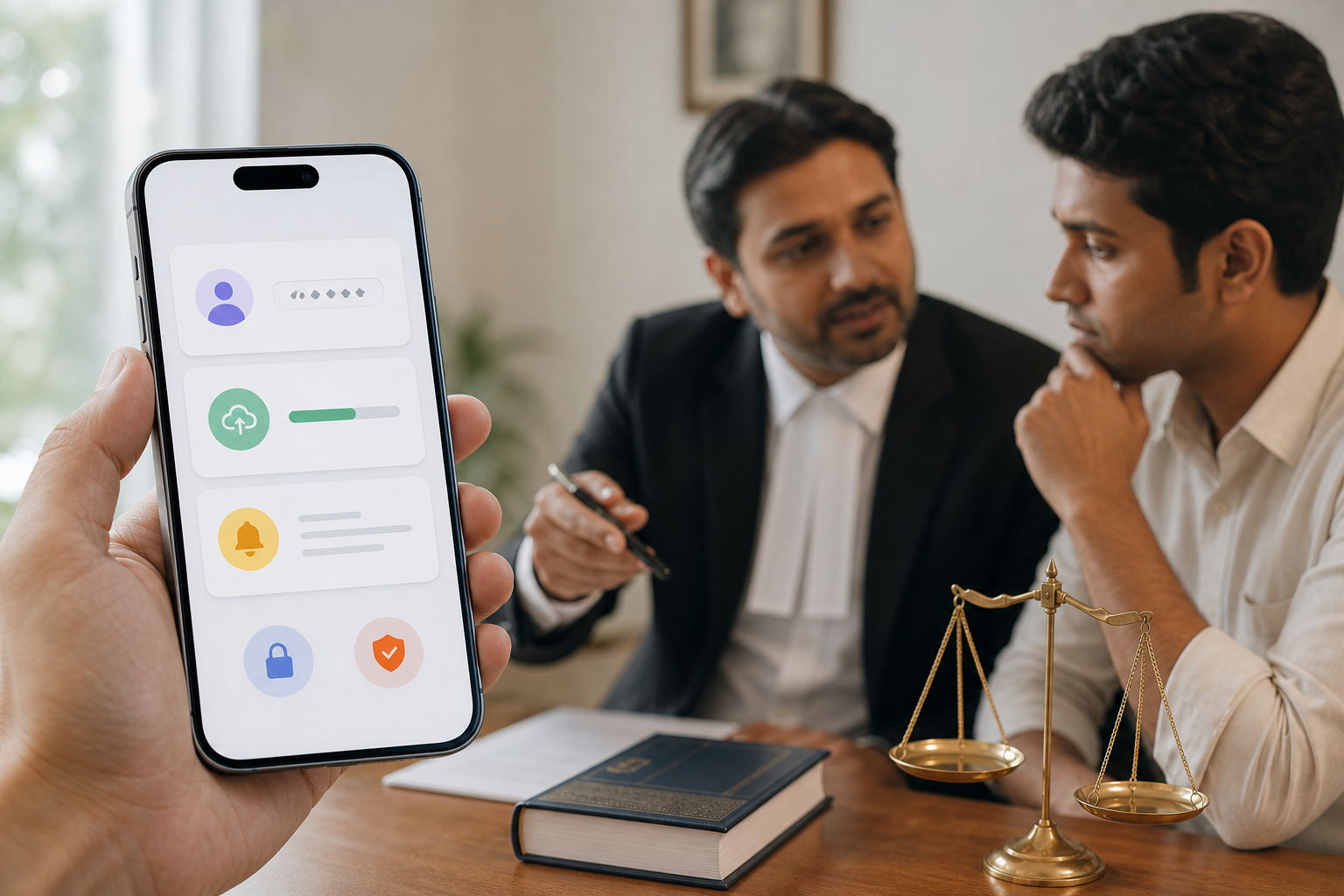
Mistake 5: Splitting comms and fees across tools
One app for chat, another for invoices, and none for disputes is how fee‑chasing begins. Instead, prefer platforms that keep communication, documents, and a secured escrow payment system under one secure roof. You protect trust and cash flow in the same move.
- Quick remediation checklist:
- Replace group chats with per‑matter channels
- Turn on 2FA for every user
- Test on low‑cost Android + 4G
- Record a 2‑minute client walk‑through
- Centralise fees and comms in one portal
“Once I set clear rules—‘All case updates live in the portal’—clients adapted in a week. I stopped hunting screenshots.” — A junior in our chamber
Also Read!
Best AI Legal Advice in Hindi & Tamil for Small Businesses in 2026
How to Get AI Legal Advice in Hindi and Tamil for Your Small Business
Tools and Platforms Worth Evaluating in 2026
No single tool is perfect. The right fit depends on your practice size (solo vs. chamber), matter types, and how tech‑comfortable your clients are. Use this as a map, not a verdict.
Category 1: General‑purpose practice tools
Clio is a global standard with strong encryption and deep practice features, but pricing and compliance assumptions feel US‑centric. LegalDesk is India‑based and good at document automation and templates, though real‑time collaboration and audit‑grade messaging are modest.
Category 2: India‑specific lawyer‑client portals
Tools like LawyerBuddy offer a secure 1‑on‑1 workspace for document exchange and communication, plus escrow‑funded case management. For advocates who worry about fee disputes, having payments protected by escrow and released after a regulatory cooldown can be practical. The platform’s panel is 100% Bar Council verified, and registration is free with no subscription fee, which is useful if you want to pilot without risk. For a deeper comparison on NRI use cases, see LawyerBuddy vs LegalDesk for NRIs: Which Is Better for Secure Lawyer-Client Portals?.
Category 3: DIY stacks
Google Workspace with Vault gives affordable email, Drive, and retention policies, but you must configure compliance yourself and teach clients to avoid email attachments. Tresorit brings very strong encryption and EU‑style security, yet lacks legal‑specific features like matter‑based chat or escrow fees. If you advise overseas clients, you may also find this guide useful: How to Choose a Secure Lawyer-Client Portal for NRIs with Legal Issues in India.
Mini comparison at a glance
| Option/Stack | Encryption | India Data Residency | Mobile App | Payment Integration | BCI/Ethics Support | Price Range |
|---|---|---|---|---|---|---|
| Clio | Strong | Not India‑first | Yes | Limited | Indirect | $$–$$$ |
| LegalDesk | Good | India‑friendly | Yes | Basic | Moderate | $–$$ |
| LawyerBuddy | Strong | India‑aligned | Yes | Escrow + ledger | High (Bar‑verified panel) | Free to register |
| Google Workspace + Vault | Good | Configurable | Yes | Add‑ons | DIY policies | $ |
| Tresorit | Very strong | EU focus | Yes | None | Indirect | $$ |
Moreover, whichever route you choose, insist on export options. Therefore, you can always move matters if your needs change in late 2026 or beyond.

Key Takeaways for a Secure Workspace
- Security is a professional duty: encryption + access control + compliance proof.
- Email/WhatsApp lack expiry, versioning, and audit logs; use a portal for those.
- Test on low‑cost Android + 4G; if it fails there, it fails in practice.
- Choose tools that combine matter chat, documents, and escrow fees to cut disputes.
- Pilot on one live case, measure friction, then scale to two more matters.
**Get started free in minutes →
What to Do This Week: Your First Secure Portal Setup
Monday: List your five most active cases and the channels used for each. For example, “RERA appeal: WhatsApp + email; cheque bounce: WhatsApp only; tax notice: email + calls.
Tuesday: Open two accounts on platforms from the tools section. Pick one India‑specific portal and one DIY stack. Registration should be free; avoid long contracts.
Wednesday: Upload one non‑sensitive file (e.g., cause list or past order) to each. Then, send yourself a message from the matter channel. Check notifications, timestamps, and download controls.
Thursday: Invite one tech‑comfortable client to test. Share a two‑minute video walk‑through of login and uploads. Ask them to send one document and one question inside the portal.

Friday: Decide. Commit to migrate one full case in the next two weeks. Block 30 minutes to set roles, enable 2FA, and define fee terms, ideally with escrow so you reduce disputes before they start.
Digital adoption is not a burden; it is a professional upgrade. If you secure your client communications now, you will build trust, cut busywork, and face fewer compliance risks as Indian legal tech norms tighten through 2026.
Pilot your first matter free →