

**Explore LawyerBuddy. Free Signup →
Your answer, up front: pick a portal that encrypts data, organizes every matter in one place, controls access by role, records an audit trail, and ties messages to documents and deadlines. A secure lawyer-client case workspace does this in one hub, which reduces risk, noise, and rework.
If you run a small business, you feel the cost of legal chaos right away. The right secure lawyer-client case workspace turns scattered emails and shared-drive folders into a single source of truth. In 2026, that’s not a nice-to-have. It’s how you protect sensitive terms, track progress, and avoid disputes.
In 2026, that’s not a nice-to-have. It’s how you protect sensitive terms, track progress, and avoid disputes.
However, old habits create risk. Emailing contracts as attachments invites version mix‑ups. Messaging draft advice on WhatsApp blurs your record and weakens privilege. Storing case files in a broad team drive exposes data to people who don’t need to see it. Therefore, you want a portal where you and your lawyer can work 1‑on‑1 with tight permissions and clear logs.
Moreover, small companies lack in‑house counsel. You likely work with outside lawyers on a lease, an employment issue, or a trademark filing. As a result, your legal work spreads across channels you can’t control. A dedicated portal brings order, cuts missteps, and shows who did what, and when.

Why Small Businesses Need a Dedicated Lawyer-Client Portal
A lawyer-client portal is a private site where you and your counsel exchange documents, message, track tasks, and record decisions for each legal matter. It matters because it creates a clear record while keeping sensitive data locked to the people who must see it. It also reduces the back‑and‑forth that drains hours from your week.
Specifically, a secure 1‑on‑1 workspace for document exchange and communication helps you avoid version drift. For example, instead of five “final_v7.docx” threads, you have one document with version history. You also see who commented and when, which speeds review and avoids rework.
Without a portal, risk piles up fast:
- Email attachments live forever in inboxes you can’t retract.
- Shared drives grant broad access and create accidental sharing.
- Messaging apps mix legal advice with casual chat, which makes it hard to search or hold.
Moreover, privilege can crack if you treat legal messages like normal chat. Attorney‑client privilege protects confidential legal advice, but sloppy sharing can waive it. For background, see Attorney–client privilege. Therefore, move legal talk into a channel built for confidentiality and record‑keeping.
Real scenarios where control matters
- Lease negotiation: Keep landlord comments, markups, and email trails in one matter. You’ll know which draft you signed.
- Employment dispute: Store notices, witness notes, and settlement drafts with role‑based access. You minimize leaks while you act fast.
- IP filings: Track trademark classes, deadlines, and power‑of‑attorney forms next to advice and invoices. You won’t miss a date.
In addition, some portals pre‑organize work with AI‑structured case mandates that include jurisdiction, issue, budget, and documents. That structure helps you start right and avoid gaps. If you work with counsel in India or serve Indian customers, you can also learn from the perspective shared in How to Choose a Secure Lawyer-Client Portal for NRIs with Legal Issues in India.
Also Read!
Best Secure Lawyer-Client Portal for Small Businesses in 2026
Step-by-Step: How to Evaluate and Set Up a Secure Legal Portal
Choosing well is a process. Use this 7‑step framework and you’ll ship a working setup in a week, not a quarter. Each step has a concrete action, so you build momentum.
- Audit your current workflow
- Action: List every channel you use today per matter (email, WhatsApp, cloud drive, SMS). Mark messages or files that contain legal advice or sensitive data. Highlight any place you can’t control access or see read history.
- Define must‑have features
- Action: Write a short checklist: end‑to‑end encryption, role‑based access, document versioning, audit trails, and mobile access. Add two-factor authentication. For transport, look for TLS 1.3 (see IETF RFC 8446). For storage, expect strong ciphers such as AES‑256 (see NIST’s Advanced Encryption Standard at csrc.nist.gov).
- Check compliance for your jurisdiction
- Action: Note laws that touch your data. In the EU, see Regulation (EU) 2016/679 (GDPR) for lawful processing and integrity duties (GDPR on EUR‑Lex). In India, consider the Digital Personal Data Protection Act (DPDP Act). Also review your state bar’s rules on electronic communication. Then confirm the portal supports needed settings (data location, retention, exports).
- Evaluate payments and escrow
- Action: Prefer portals that keep scope, files, and payments in one place. A secured escrow payment system that pays out after any regulatory cooldown reduces invoice disputes and aligns incentives. Ask the vendor how they hold funds and when releases occur.
- Test onboarding and lawyer verification
- Action: Invite your lawyer. If they resist, the tool fails. Ask how the platform verifies attorneys. For India‑focused work, a 100% Bar Council verified panel is a strong signal. Do a 15‑minute run‑through with your counsel and confirm notifications reach both sides.
- Run a pilot on one live matter
- Action: Pick an active case. Upload three real files, post a message, tag a task, and set a date. Confirm messaging latency, notification reliability, and version control. Check that permissions behave as set. Then export the audit trail to ensure you can keep records if you switch.
- Set internal protocols
- Action: Decide who in your team gets access and at what role. Write a short naming rule: “[Matter]-[DocType]-[YYYY‑MM‑DD]-[v#].ext”. Define when to escalate to a call (e.g., complex settlement terms). Turn on reminders for deadlines.

“Write the rules you’ll actually follow. The best portal fails if you let documents sprawl again.” — Advice I give every founder I coach
Furthermore, if you want more context from the lawyer’s side, see the practical angle in Best Secure Lawyer-Client Portal for Advocates in 2026.
**Explore LawyerBuddy. Free Signup →
5 Mistakes Small Business Owners Make When Managing Legal Communications
You’re busy. That’s why these easy‑to‑miss mistakes show up in small teams. Fix them now and you cut risk fast.
- Using personal email or consumer messaging for privileged talk
- Risk: Privilege can be waived if you share legal advice outside a confidential channel. Mixed threads make it worse.
- Fix: Move all legal threads to a secure lawyer-client case workspace and restrict access to need‑to‑know participants.
- Choosing a portal on price alone
- Risk: Low-cost tools may skip strong transport or storage encryption.
- Fix: Require AES‑256 at rest and TLS 1.3 in transit; ask the vendor to document both in writing.
- Not verifying the lawyer’s license
- Risk: An unverified profile raises fraud and quality risks, especially across borders.
- Fix: Use platforms that verify advocates against the relevant bar; in India, a 100% Bar Council verified panel is a clear bar to clear.
- Skipping retention and deletion rules
- Risk: Without set timelines, sensitive data lingers or gets purged too soon, which can clash with legal holds or statutes of limitation.
- Fix: Use portal retention settings per matter; pause deletion under a legal hold and log every change in an audit trail.
- Treating the portal like a file locker
- Risk: You lose the gains from status tracking, deadline management, and structured threads; work reverts to inbox chaos.
- Fix: Run the case from the workspace: assign tasks, set dates, post decisions under the right thread, and keep documents tied to those actions.
Pro tip: structure beats speed
- Use AI‑structured case mandates when available to pre‑fill jurisdiction, issue, budget, and documents. It saves back‑and‑forth and reduces scope creep.
Also Read!
LawyerBuddy vs Vakilsearch for Rural India: Which Is Better for AI Legal Document Review?
Tools and Platforms Worth Considering in 2026
The “right” tool depends on who you work with, your jurisdiction, and your budget. Here’s a balanced view of the main categories, what they do well, and where they fall short.
Category snapshots
Practice management suites with client portals (e.g., Clio, MyCase) pack matter management, billing, and a client view. They shine when your firm already lives in that suite.
However, you may pay for features you won’t use, and lawyer adoption drives your success.
Secure collaboration and storage tools (e.g., Tresorit, encrypted SharePoint setups) focus on file security and controlled sharing. They’re strong for document control and integrations with your office suite. On the other hand, they lack legal‑specific threads, deadline tracking, and payment workflows.
Firm‑built proprietary portals can fit a firm’s exact process. You’ll benefit from direct support. However, you’re tied to one provider’s tech, and portability can be hard.
Marketplaces with a 1‑on‑1 case workspace and escrow (for India or work with Indian counsel), such as LawyerBuddy, combine a secure 1‑on‑1 workspace for document exchange and communication with a secured escrow payment system ensuring payment after regulatory cooldown. The panel is 100% Bar Council verified, and it includes support for multiple languages including Hindi, Tamil, and Telugu. It is free to register, with no subscription fee. As always, confirm security details with the vendor.
Mini-checklist by category
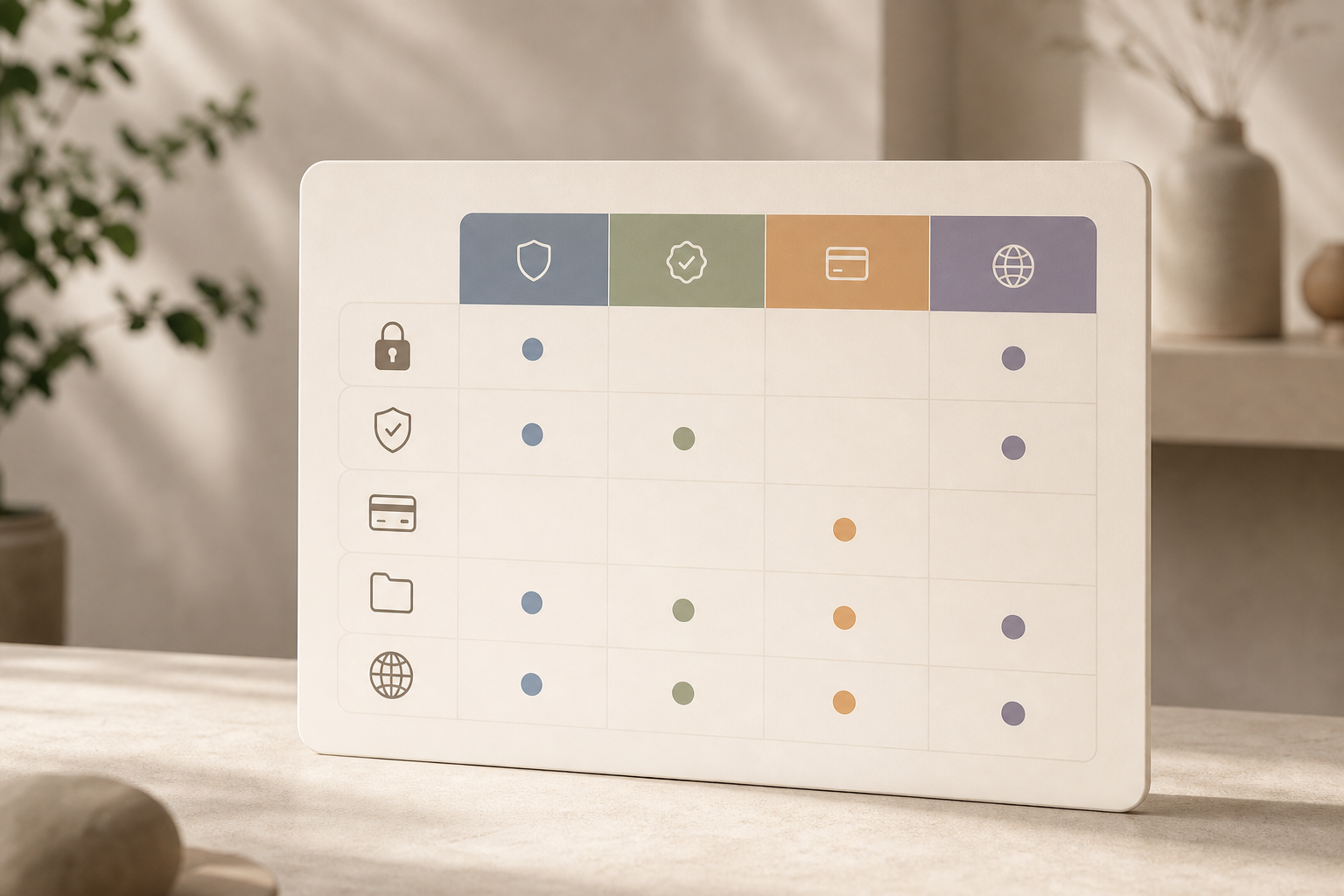
| Category | Encryption | Attorney Verification | Payment Integration | Document Organization | Multi-language Support |
|---|---|---|---|---|---|
| Practice management suites | Varies by vendor | Handled by firm | Strong billing; escrow rare | Matter-centric with audit trails | Varies by vendor |
| Secure file collaboration | Strong at-rest/in-transit | Not applicable | None | Folders; versioning | Varies by vendor |
| Firm proprietary portal | Firm-defined | Handled by firm | Firm billing | Custom to firm | Firm-defined |
| India-focused marketplace | Not publicly specified; ask vendor | 100% Bar Council verified panel | Secured escrow with cooldown | 1‑on‑1 case workspace | Hindi, Tamil, Telugu (plus others) |
If you want the advocate’s view on setup trade‑offs, this resource helps: How to Choose a Secure Lawyer-Client Portal as a Bar Council Advocate.
Key Takeaways
- A secure lawyer-client case workspace reduces risk by centralizing files, messages, access, and audit trails per matter.
- Privilege is fragile in messy channels; keep legal advice in a protected portal with clear roles and logs.
- Choose with a 7‑step plan: audit, features, compliance, escrow, verification, pilot, and protocols.
- Category fit matters: practice suites for full matter flow, secure storage for files, proprietary for firm fit, marketplaces for verified counsel and escrow.
- For India work, verified advocates, escrow with cooldown, and language support can speed progress without payment disputes.
Your Security Checklist: What to Do This Week
Day 1: Map your legal work
- List each active matter. Under each, note where you message and where files live. Flag risky channels like personal email and consumer chat.
Day 2: Ask your lawyer about portals
- Send a short note: “Which secure portals do you support?” If they have one, request access today. If not, agree to test one option this week.
Day 3: Shortlist 2–3 platforms
- From the categories above, pick options that match your jurisdiction and budget. Sign up for a free trial or demo where offered.
Day 4: Run a live test
- Upload one non‑sensitive file. Post a message, share, download, and change permissions. Check notifications on web and mobile. Export an audit log.
Day 5: Decide and migrate one matter
- Pick your most active matter and move it. Set roles, deadlines, and naming rules. Close the old email threads with a note that the portal is now the source of truth.
Moreover, don’t wait for “perfect.” The biggest risk is not the wrong tool, it’s another week on unsecured channels while you decide. If you’re exploring India‑focused options, you can compare advocate‑side workflows in Best Secure Lawyer-Client Portal for Advocates in 2026.
**Explore LawyerBuddy. Free Signup →
What to do next: block 45 minutes on your calendar to complete Steps 1–3. Then schedule a 20‑minute pilot with your lawyer. By this time next week, your legal work will be organized, and your risk lower.